Why Your Website Slows Down After Launch
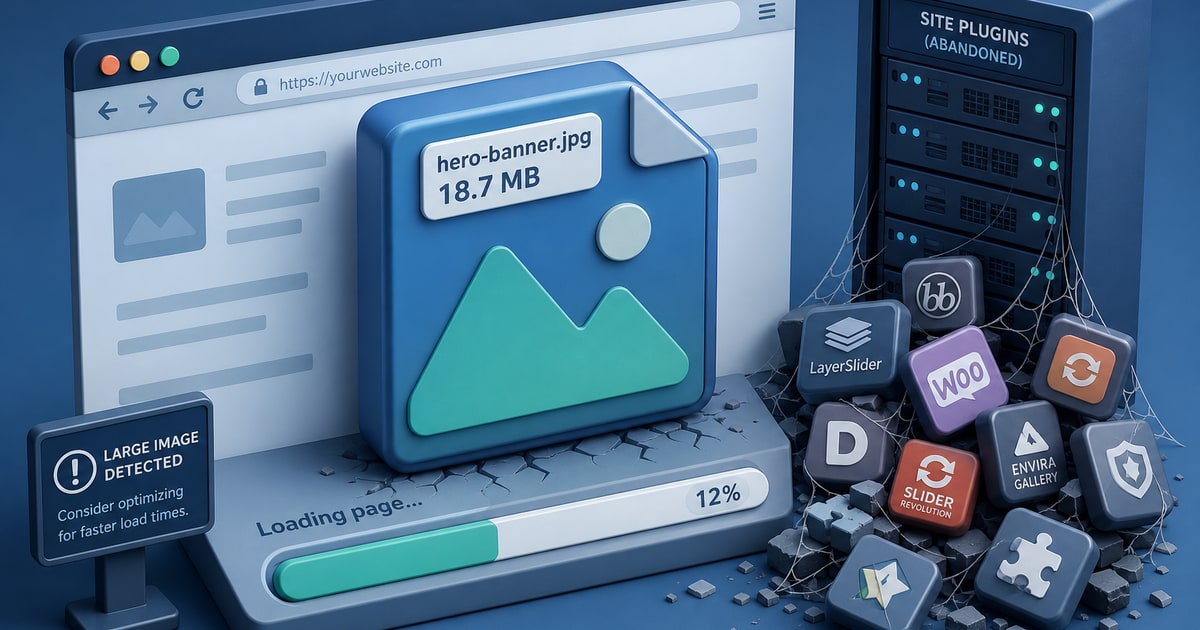
Launch day is usually the fastest your website will ever be. The developer just optimized everything, the database is clean, and nobody has touched the plugin settings yet. Then six months pass. A contact form needs a new add-on. The client uploads a 4MB product photo directly from their phone. The hosting plan gets downgraded when the annual bill feels steep. Bit by bit, the site that scored well in PageSpeed Insights drifts into mediocrity, and the owner has no idea why.
The most common culprit is the runtime layer itself. On a traditional WordPress or PHP-based site, every page request triggers a chain reaction: the server wakes up, queries the database, assembles the page from templates and plugin output, and delivers the result. That chain is only as fast as its weakest link. Add a poorly coded plugin, a shared hosting environment under load, or a missed update that forces a compatibility shim into place, and latency compounds. Caching plugins help, but they introduce their own configuration surface area. When the cache invalidates unexpectedly or conflicts with a form plugin, visitors see errors or stale content and you spend an afternoon debugging instead of running your business.
Asset Bloat Is Slow and Silent
Unoptimized images are the quietest performance killers. Most content management systems will accept whatever file a user uploads without resizing or converting it. A homepage hero image that should weigh 80KB ends up at 2.4MB because it came straight from a mirrorless camera. Multiply that across a blog archive with a featured image on every post and you have a site that is technically “up” but functionally unusable on a mobile connection. Google’s Core Web Vitals data has made this impossible to ignore: Largest Contentful Paint is the metric that correlates most directly with bounce rate, and oversized images are the single biggest contributor to a poor LCP score in small business sites.
JavaScript accumulates the same way. A chat widget added for a holiday promotion never gets removed. A third-party analytics script from a vendor the company stopped using in 2023 still loads on every page. Each script blocks rendering, and the combined weight of four or five forgotten embeds can add a full second to Time to Interactive. None of this shows up on an invoice or a maintenance report. It just sits there, quietly degrading the user experience.
Why Static Deployments Hold Their Performance
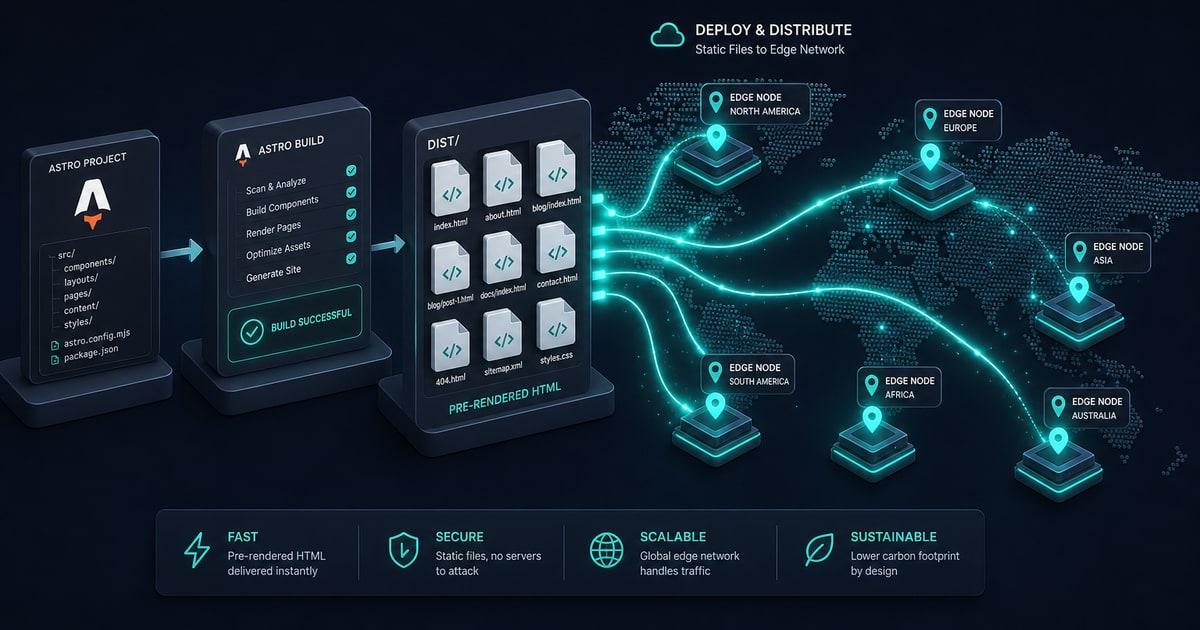
Building a site with Astro or Next.js and deploying it to Cloudflare Pages or Vercel changes the fundamental failure mode. There is no runtime to degrade. The HTML is pre-built at deploy time and served directly from Cloudflare’s edge network, which means the page a visitor gets in Baltimore is being served from a data center close to them, not from a shared server in a data center the hosting company chose for cost reasons. Sub-0.5 second load times are not marketing copy for static edge deployments; they are the expected baseline because the server-side bottleneck has been removed entirely.
Asset handling moves into the build pipeline rather than the admin panel. Images get processed, resized, and converted to modern formats automatically when the site is built. There is no upload dialog for a client to accidentally bypass. When the site updates, the entire deploy is atomic: either the new version is live or the previous one is, with no in-between state where a plugin update breaks the cache layer. That kind of predictability is worth a lot when your website is the primary way customers find and evaluate your business. Performance is not something you tune once at launch and hope holds. It needs to be baked into the architecture from the start, or you will be having the same conversation again in eight months.
